Start with the tool you already have
Most people don’t start tracking what they own by downloading a new app. They open the thing already in front of them — a half-finished spreadsheet in Excel, a shared Google Sheet with their household, a note in Apple Notes, a home-inventory template in Notion, or a notebook on the kitchen counter. That instinct is right. The lowest-friction tool is the one you already have open, and for a small list of items, those tools are perfectly capable.
The trouble starts when the list grows. Recording an item is fast in any of them; finding a specific item three months later is where the differences become real. A spreadsheet can hold every household item you own, but searching it from your phone in the paint aisle is fiddly. A note can capture a bin’s contents in seconds, but as the notes multiply, “Cordless drill — where?” returns a wall of text instead of an answer. The honest pattern across most do-it-yourself approaches: they’re great at recording and weaker at retrieving.
These comparison guides exist to tell you that honestly. Each one explains where its tool actually shines — Excel for analysis and custom fields, Google Sheets for real-time sharing, Apple Notes for instant capture — and where it tends to fall short for an inventory you’ll actually keep using. None of them try to talk you out of a tool that’s working for you. If a spreadsheet you keep current is your system, that’s a system, and it’s enough.
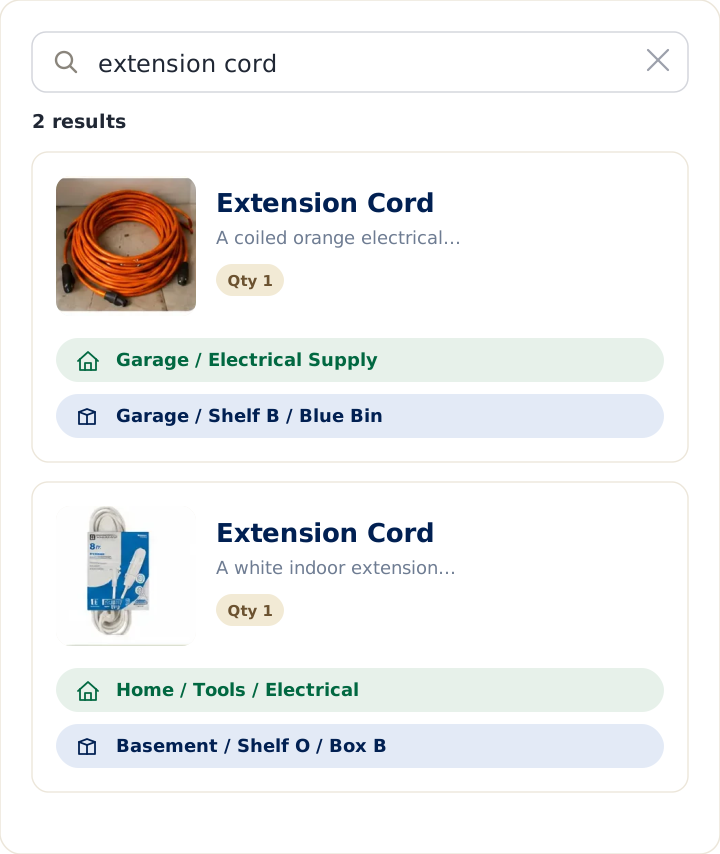
But if you’ve started and abandoned a tracker before — or you can’t find what you wrote down — the issue is usually friction rather than discipline. A dedicated home inventory app reduces the mental load by making locations structured, searches fast, and adding items as low-effort as snapping a photo. The point isn’t more features. It’s less to remember.
The overview guide is a good first stop if you’re not sure where your situation fits.