Know What’s Inside Every Garage Bin
Save the tools, supplies, seasonal gear, and spare parts in each bin. Give every item a specific garage location. Then search for the item later — instead of opening every container to find one thing.
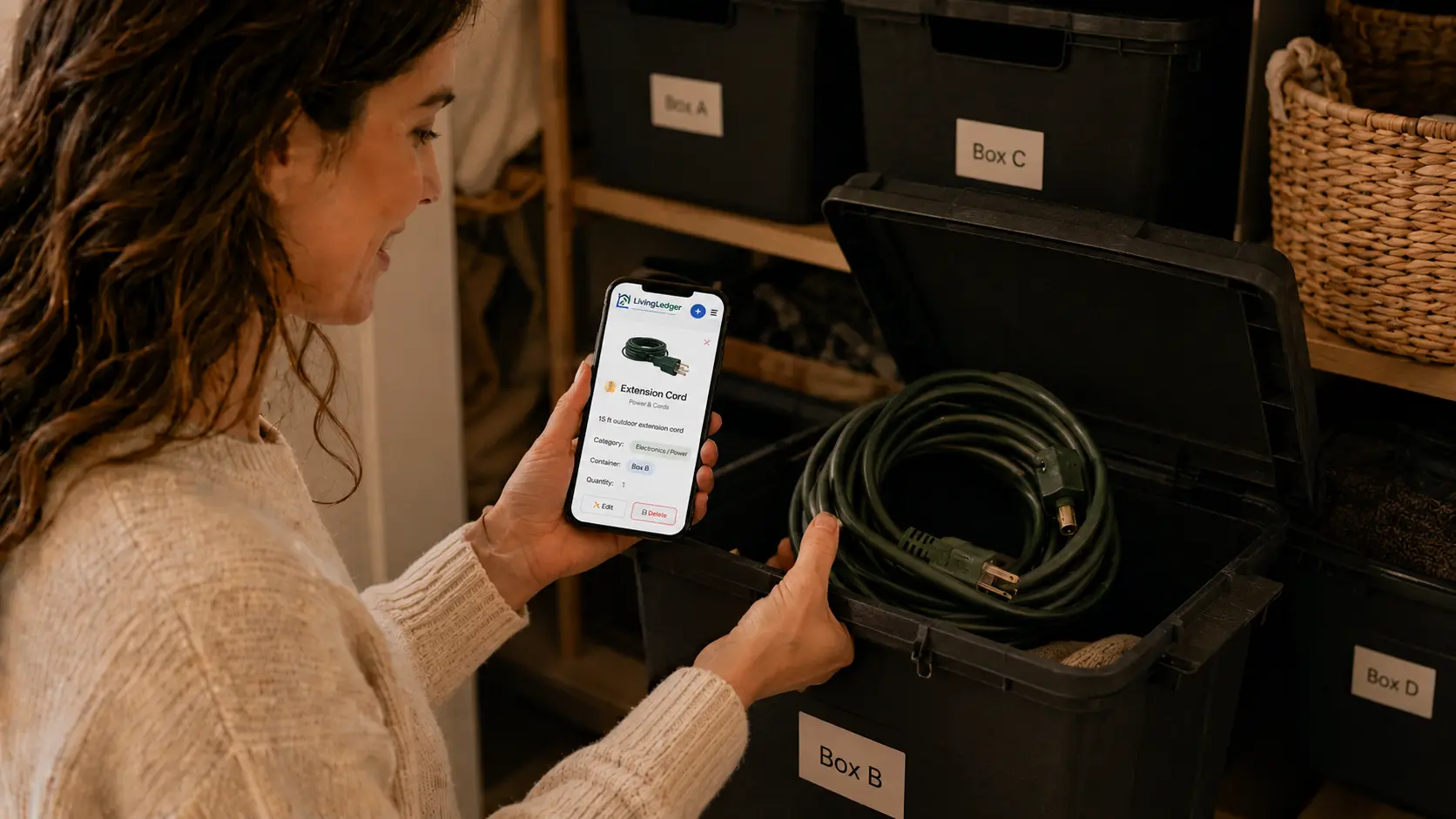
A garage full of bins is organized right up until you need one specific thing. Then it’s a lid-by-lid search: not this one, not this one, maybe the black one… A garage bin inventory flips that around — you search for the item, and the answer is the bin you saved it to.
LivingLedger is a calm household inventory tool: record what’s inside a bin, save where the bin is stored, and search later. It works the same way for garage bins as for any other storage bin in the house — and as a general home inventory app for everything else you own.
The garage questions you keep asking
Every garage generates the same small mysteries, over and over:
How it works
Add what’s in the bin
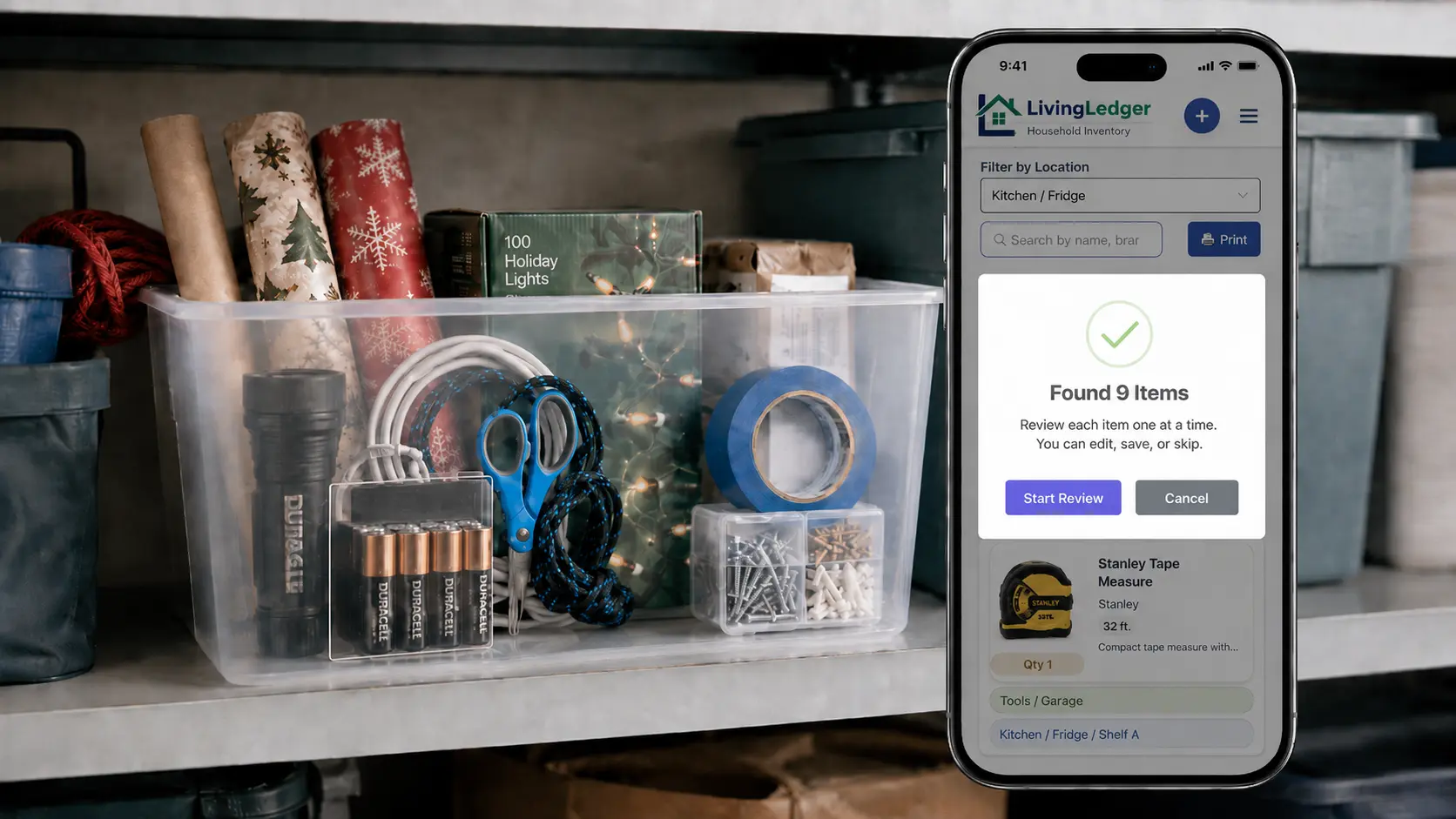
Open a bin and photograph the contents with the AI Scan flow — one photo can recognize one item or up to 10, and the same flow works for shelves, cabinets, drawers, storage boxes, and whole storage areas. Prefer typing? Manual items are unlimited on every plan.
Review before saving
AI suggestions are a first draft, not a verdict. You review what was recognized, rename anything (“drill bits, titanium” beats “metal case”), drop wrong guesses, and save only the items you’ll actually search for later.
Save the garage location
Give the items their spot, up to three levels deep: Garage → Left shelving → Blue bin. Everything in that bin shares its location — set it once per bin, not once per item.
Search for the item later
Months later, type “drill bits” and see the location you saved. That’s the whole trick: LivingLedger shows you where something is because you recorded it — there are no tags, beacons, or automatic tracking. It’s your record, made searchable.
Map the garage the way it’s actually arranged
Locations nest up to three levels — enough to mirror real garage structure without building a filing system nobody maintains:
Garage → Left shelving → Blue bin
Garage → Workbench → Top drawer
Garage → Wall cabinet → Paint supplies
Garage → Back shelf → Camping box
What to keep in the inventory
Log the things you go looking for, not every washer and screw. For most garages that means: hand tools and power-tool accessories, extension cords, fasteners, leftover paint and paint supplies, car-care products, gardening supplies, camping gear, seasonal decorations, and the spare household parts that only matter the day something breaks.
Why this beats memory alone
- One searchable record instead of a mental map that drifts every time a bin moves or gets repacked.
- Less digging. You open the right container first, instead of auditioning five.
- Fewer duplicate purchases. A ten-second search before the hardware store settles “do we already own one?” — the habit behind not rebuying things you already own.
- Easier seasonal setup. Camping gear and decorations are findable on day one, not day three — the same win as remembering where you stored seasonal items.
- Less to hold in your head. Nobody has to be the person who remembers what’s in fifteen bins — the record does the remembering.
FAQ
Garage bin inventory questions
How do I keep track of what is inside garage bins?
Add the items in a bin manually, or photograph the open bin with the AI Scan flow and review what it finds — one photo can recognize one item or up to 10 items. Save the items with the bin’s location, like Garage → Left shelving → Blue bin. Later, search for the item and LivingLedger shows the location you saved.
Can LivingLedger scan an entire storage bin?
One AI photo scan can recognize one item or up to 10 items, and the same scan flow works for storage boxes, shelves, cabinets, drawers, and storage areas. AI suggestions are a first draft, not a guarantee — you review what it found, fix anything that’s off, and save only what you want to keep. For a very full bin, a second photo covers the rest.
Does LivingLedger track bins automatically?
No. LivingLedger doesn’t detect where bins physically are — there are no tags, beacons, or automatic location tracking. It remembers the location you save for each item and shows that saved location when you search. You keep the record honest by updating the location when a bin moves.
Can I organize shelves, cabinets, drawers, and bins?
Yes. Locations can nest up to three levels, which is enough to mirror how a real garage is arranged: Garage → Workbench → Top drawer, or Garage → Back shelf → Camping box. Items you save inside a bin share the bin’s location.
Is LivingLedger free?
LivingLedger is free to start. Manual inventory items are unlimited, and Free includes 50 lifetime AI scan credits — each AI photo scan uses one credit, and the credits do not reset or refill. Pro unlocks unlimited AI scanning for personal household use, subject to fair-use limits. See the pricing page for current plan details.
Can my household share one inventory?
Your inventory is tied to your account, so you can sign in with the same account on another supported phone or computer and access the same inventory. LivingLedger is currently single-user. Shared household inventories are planned but are not available yet.
Open the right bin the first time.
Start with the bin you dig through most. Save it once — search it forever.
Free plan · No credit card required · Web app + iOS app